Turbo for Outlook
Turn email into outcomes. Turbo brings related messages, people, and actions into one panel— so you can review context, filter instantly, and move work forward without switching tools.
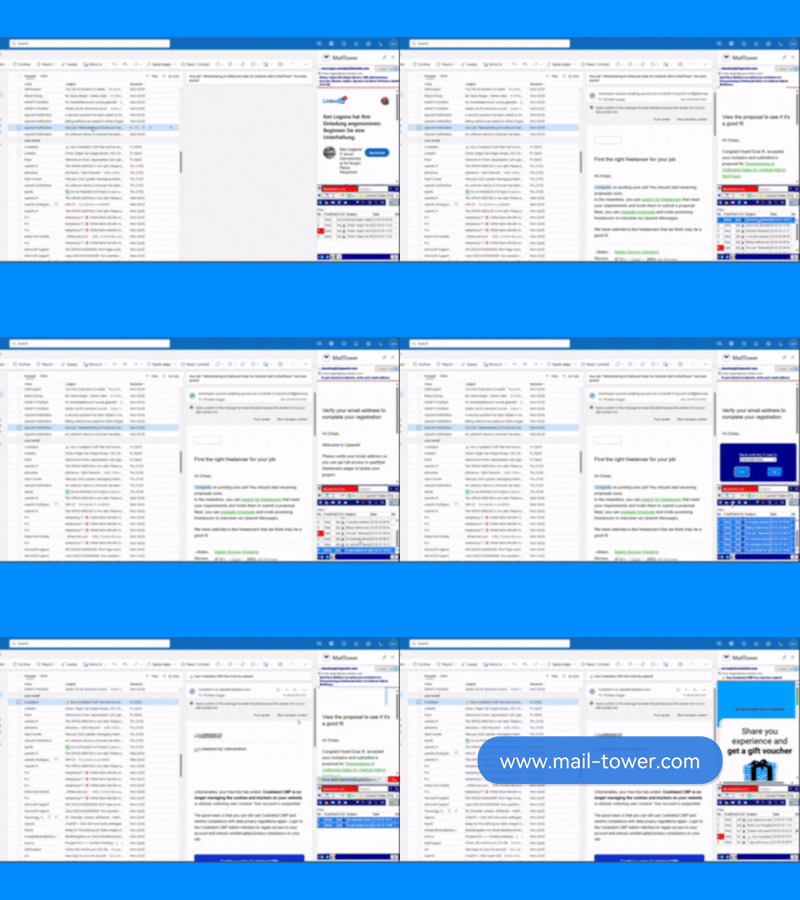
Built for modern Microsoft 365 workflows.
Turbo helps Outlook users work faster by bringing related emails, actions, filters, people, and smart links into one focused workspace.
- Reduce manual searching and repetitive clicks.
- Keep related communication visible while you work.
- Turn Outlook into a faster and more connected workspace.
Everything related—instantly.
Click an email and Turbo surfaces the complete conversation context: same sender, domain, subject, and related threads—across the scope you choose.
- Understand the full story before you reply.
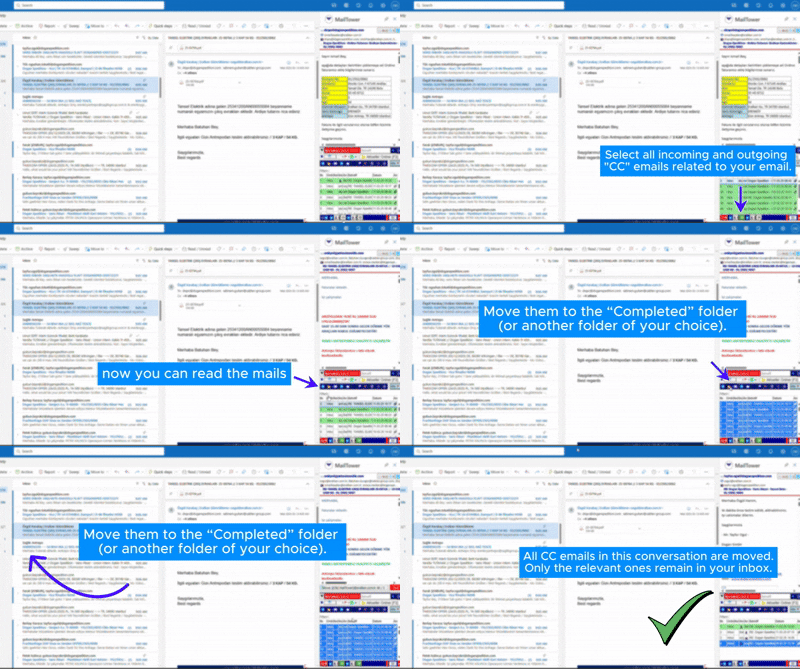
- See CC-related messages without cluttering your inbox.
- Jump from email → context → action in seconds.
Built for speed inside Outlook.
Handle email at the point of work. Mark done, flag, move, or create focused views— without hunting through menus.
- Process high volume mail faster with consistent steps.
- Keep a clean inbox without losing important context.
- Turn CC noise into structured work views.
Patterns turn text into actions.
Define your own patterns (regex) for orders, invoices, cases, tracking IDs, and more. Turbo converts them into clickable deep links—opening your ERP or internal tools directly.
- Works even when Outlook and your system have no direct connection.
- Click an order number and jump straight to the record.
- Choose actions from a popup: call, WhatsApp, or search in subject/body.
Know who’s involved—at a glance.
Turbo highlights internal vs. external participants, groups by domain, and makes it easy to select and copy the right addresses.
- Separate “ours” vs. “others” in one click.
- Copy the right recipients without manual cleanup.
- Reduce mistakes in high-stakes communication.
Work with email—without living in email.
Install Turbo and bring context, filters, smart links, and actions into one place—right inside Outlook.